Log-in required.

You are trying to access the internal Editor Foundations design system.
Sign-in with your Unity Google account to continue, or visit the public site.

Implementation references

An overview of implementation references.

Scripting API
Selection
The selection API tracks Object-based selections. It records automatically to the Editor Selection History.
UX Essentials icon

Selection History · UX essentials

Essential guidance on effectively using Selection History Navigation.

All UI elements are accessible using the keyboard
US-0180
Blue plus sign icon indicating that clicking on this will expand this content
Uses correct Editor icons
US-0220
Blue plus sign icon indicating that clicking on this will expand this content
When to disable controls or hide them altogether
Blue plus sign icon indicating that clicking on this will expand this content

Overview

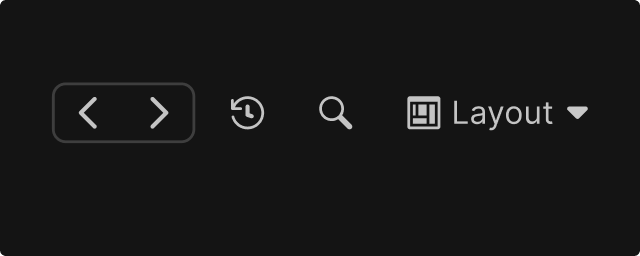
Buttons allowing to move backwards or forwards through selection history

Selection History allows users to navigate through their recent selections using back/forward navigation, similar to web browser history. This pattern addresses a common workflow disruption: accidentally losing context when selecting a different object.

Usage Overview

Selection History can be implemented at two scopes for various aspects:

Scope
Editor-wide
Per-window
Affects Inspector
Yes
No
Keyboard shortcuts
Ctrl/Cmd + [ and Ctrl/Cmd + ]
Window-specific (if any)
UI location
Main toolbar (visibility optional)
Window toolbar
Managed by
Core Editor
Your window
Use when
Selection shows in main Inspector
Self-contained editing context

Usage Examples

Editor Selection History

Example showing the Editor Selection History buttons initial position

The Editor Selection History is the Editor-wide history that tracks any selection affecting the main Inspector window. This is the shared navigation context across the Editor.

  1. Single, Editor-wide history stack
  2. Keyboard shortcuts are Ctrl/Cmd + [  or  Ctrl/Cmd + ]
  3. Optional toolbar buttons in the main toolbar
  4. Records up to 50 selections
  5. Managed by the core Editor

Registration with Global Selection History:

  1. Registration is implicit
  2. Selection changes as they happen via the Selection.selectionChanged callback, anything that emits this callback is automatically in the Editor selection History

Examples of Global selections:

  1. Selecting a GameObject in Hierarchy or Scene View
  2. Selecting an Asset in the Project window
  3. Navigating folders in Project window

Local Selection History

Cursor changing format while moving
Example showing local Selection History buttons in an authoring window

Local Selection History is window-specific navigation for self-contained editing environments that manage their own selection context independently from the main Inspector.

  1. Per-window history stack
  2. Window provides its own back/forward UI (toolbar buttons within the window)
  3. Does not clutter the global history with internal navigation
  4. Window manages its own history depth and persistence

Implement Local Selection History when:

  1. Your window is a self-contained editing environment
  2. Selections within your window do NOT affect the main Inspector
  3. Internal navigation is frequent and would overwhelm global history
  4. Users need to navigate within your window while maintaining their global selection

Examples of Local selections:

  1. Browsing documentation or reference panels
  2. Navigating within a custom asset browser
  3. Internal state changes in a wizard or multi-step workflow
  4. Preview navigation in an inspection tool

Choosing Pattern

Decision Tree

Use this flowchart to determine which pattern applies:

Does the selection change what's shown in the main Inspector?
    │    
    ├─► Yes → Register with Global Selection History    
    │
    └─► No → Does the window have internal navigation state?                
                           │ 
                           ├─► Yes → Implement Local Selection History
                           │
                           └─► No → No selection history needed

Choice Examples

User browses folders in Project window
Global Editor History
User navigates pages in a documentation panel
Local History
User steps through a wizard's pages
Local History
User selects an asset in a custom picker that updates Inspector view
Global Editor History
User selects items in a tool that has its own embedded property panel ( or local inspector view)
Local History

Design Guidelines

Layout & Placement

Main toolbar buttons layout

Editor Global Selection History:

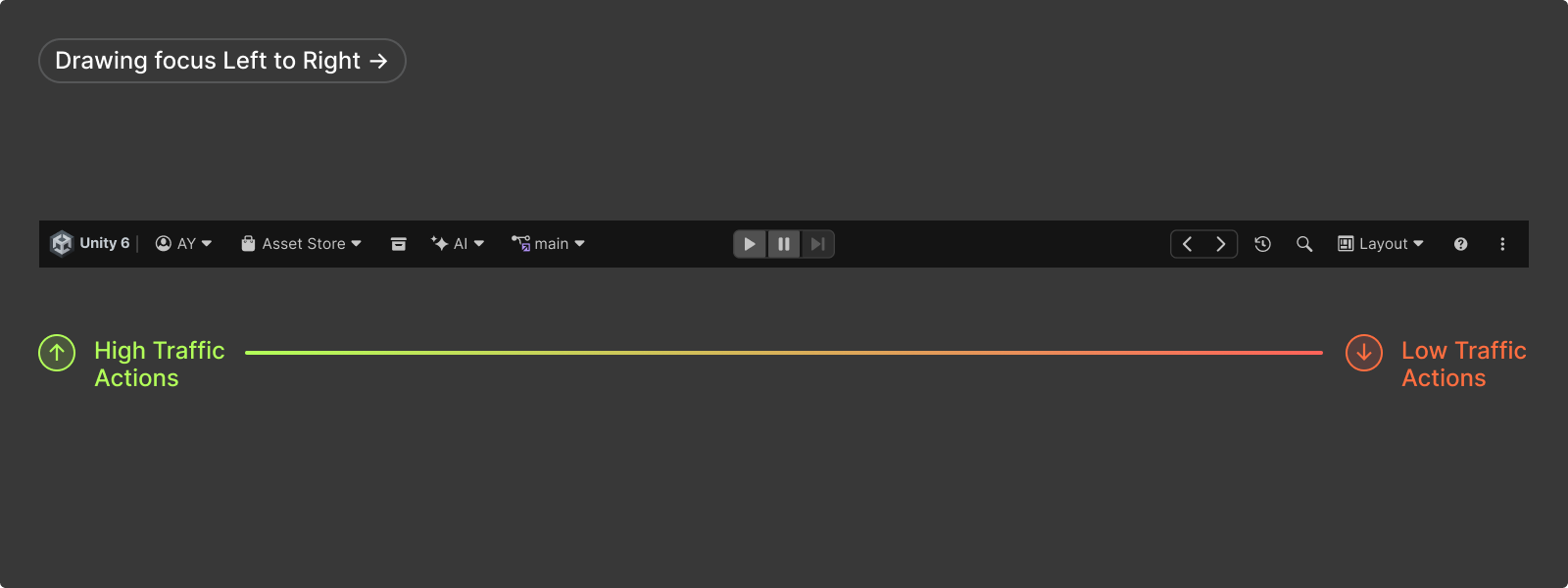
  1. Back/forward buttons are positioned at the right hand side and hidden by default in the main toolbar
  2. Users can enable them via toolbar options
  3. Keyboard shortcuts are Ctrl/Cmd + [  or  Ctrl/Cmd + ]

Local Selection History:

  1. Provide back/forward buttons within the window's toolbar as its context affects selection within that window
  2. Use regular toolbar icon buttons
  3. Position buttons to right side of the window's toolbar (see toolbar button layout)
  4. If needed, consider window-scoped shortcuts i (e.g., Alt + Left/Right) and make them available in Shortcuts Manager
  5. Consider whether history should persist when window is closed/reopened. It should at least clear history when the window's editing target changes fundamentally (e.g., a different data set is loaded)
Do recommendation illustrated by a green checkbox icon

Do: Disable buttons when at history boundaries

Do recommendation illustrated by a green checkbox icon

Do: Use common Selection History Navigation button icons (load with EditorGUIUtility.LoadIcon("tab_prev") and EditorGUIUtility.LoadIcon("tab_next")

Don't recommendation illustrated by a red X icon

Don’t: Duplicate consecutive selections of the same item

Don't recommendation illustrated by a red X icon

Don’t: Add selections not initiated by user action
Icon Buttons

Cursor changing format while moving
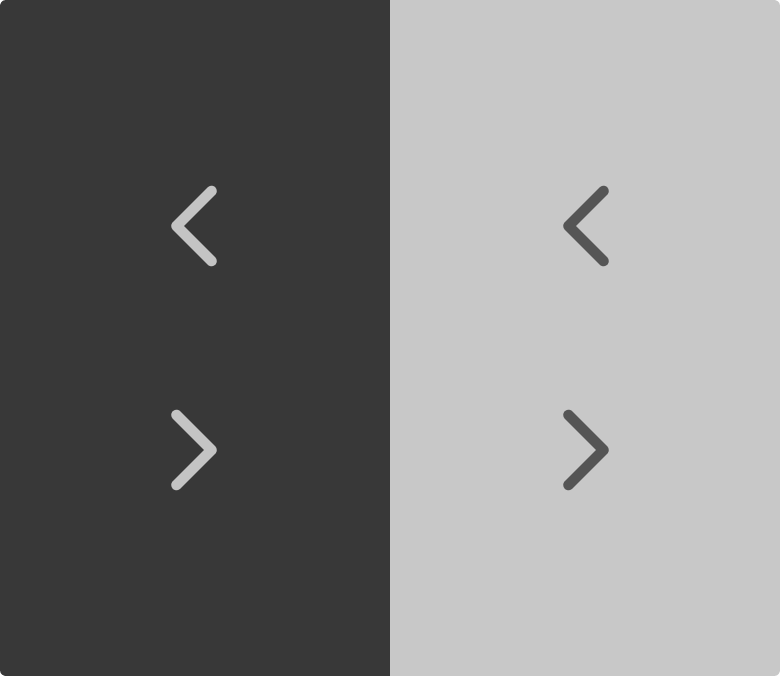
Arrow buttons allowing Selection History navigation

Use common Selection History Navigation button icons

tab_prev
Navigate backward (previous selection)
EditorGUIUtility.LoadIcon("tab_prev")
tab_next
Navigate forward (next selection)
EditorGUIUtility.LoadIcon("tab_next")

Tooltips

Provide informative tooltips on history buttons:
Back button
"Previous Selection" and include the item name if useful
Forward button
 "Next Selection" and include the item name if useful

Visual Feedback

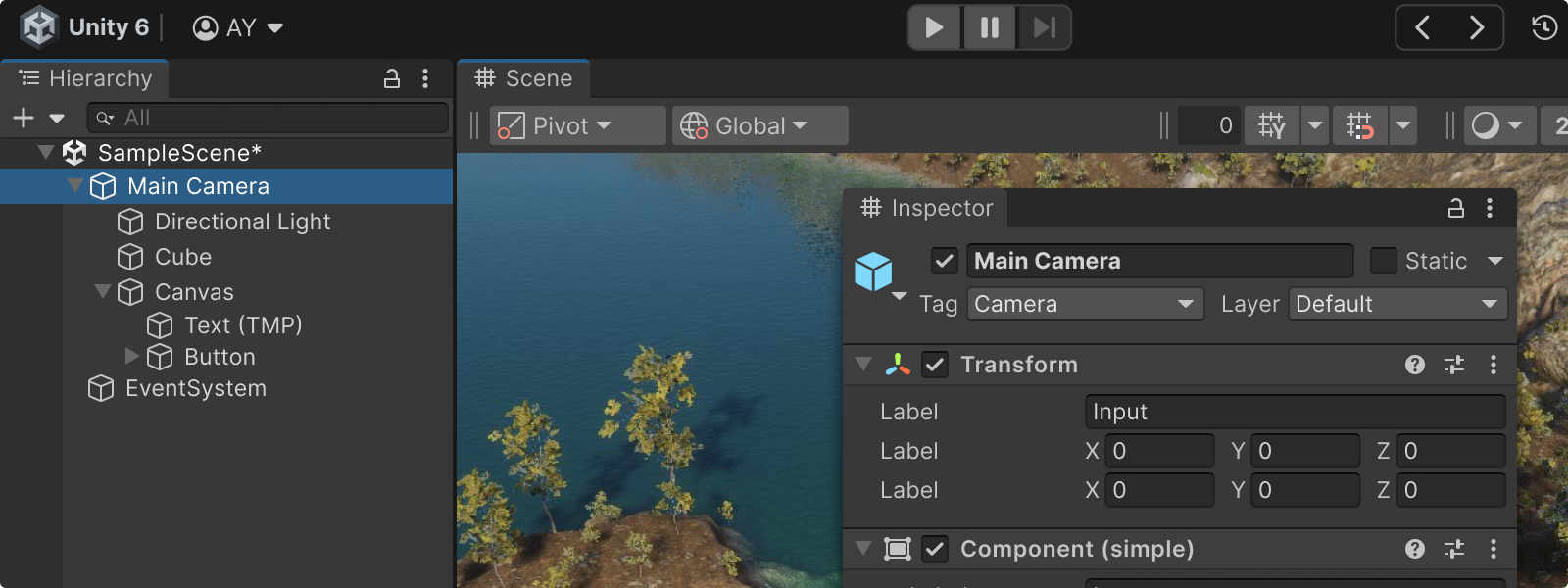
Showing selection feedback in the Hierarchy, affecting the Inspector view content
  1. Selection highlight should update in source views (Hierarchy, Project or your local window) when navigating history
  2. Inspector should update immediately and display current selection normally
  3. No intrusive animations or notifications needed: the updated selection highlight is sufficient feedback